-
If you complete onboarding (filled your profile and got access to the app):
- Go to Settings (a gear icon at the top-right corner)
- Go to Account
- Click on red trash icon to the left of all your profiles
- When all the profiles are deleted, the "Delete account" button appears
- Click that button
- You can optionally leave a comment why you decided to delete your account
- The account is deleted
-
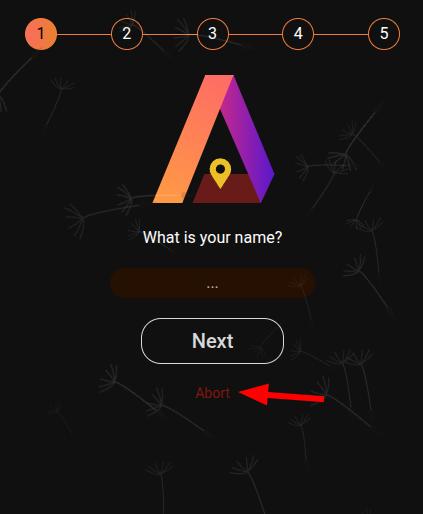
If you just created a new account, click on the red "Abort" button. It will imeediately delete your account and log you out.
-
If you used Telegram auth method, you can just write @ami_app_bot from the account you registered with the request to delete your account.
-
If you have troubles deleting your account, you can write us via email ([email protected]) or via Instagram and our support team will process your request manually.
